Terms:
Allows you to work with terms and Termbase
Entries.
Terms:
Allows you to work with terms and Termbase
Entries.  Catalog:
Allows you to work with Termbases
and Termbase
Objects.
Catalog:
Allows you to work with Termbases
and Termbase
Objects. SDL MultiTerm functionality is accessed through views. Each view is dedicated to a particular area of working with terminology.
Terms:
Allows you to work with terms and Termbase
Entries. Catalog:
Allows you to work with Termbases
and Termbase
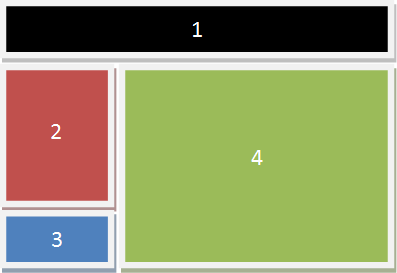
Objects. Views have the same general layout.
Menus and toolbars are at the top of the view; the navigation pane is on the left and the work/entry pane is on the right.