How to Insert a Term Translation
This topic describes how insert a term translation from your SDL MultiTerm termbase search
results into your in the Editor
view. There are two different locations from which you can insert
a term translation:
To insert a term translation:
Place your cursor
at the point in the target segment in the Editor
window where you want to insert the term.
Select the term
translation that you want to insert from the Term
Recognition window or Termbase
Search window and click Insert term
translation  .
.
NOTE |
If
you want to see more detail about the term, such as a definition,
click View term detail  to display the term entry in the Termbase
Viewer window. to display the term entry in the Termbase
Viewer window. |
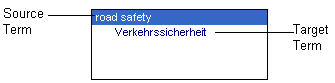
The term now
is displayed in the target segment.
Related Topics
Overview: Working with
Termbases