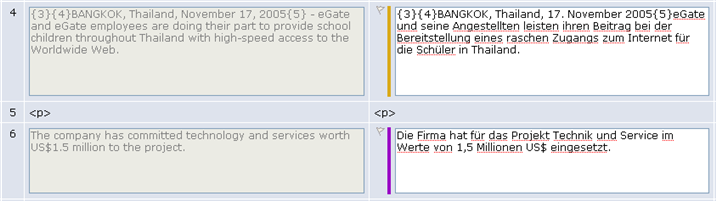
An asset or task is made up of segments with translatable text, and
attributes and segments with non-translatable markup. Selecting the
Show Markup check box
allows you to see the segments with non-translatable markup as well
as those with translatable text and attributes. You cannot edit markup
segments.
 |
Note: Some filters, such as FrameMaker MIF and
Office, do not allow the markup to be viewed.
|
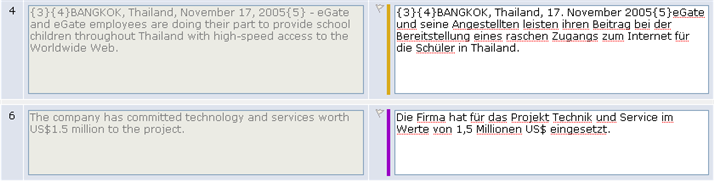
Here is an excerpt of an asset pair opened in the Browser Workbench
with
Show Markup off (the default).

Figure 65: Show Markup Turned Off
Note that entry pair 5 is missing. Only 4 and 6 display here.
Here is the same excerpt with
Show Markup turned
on.

Figure 66: Show Markup Turned On
You now see the entry pair 5, which has no text, only markup. If
the markup segment is extremely long, Browser Workbench displays only
the beginning and end portions of the markup, with ellipsis in between.