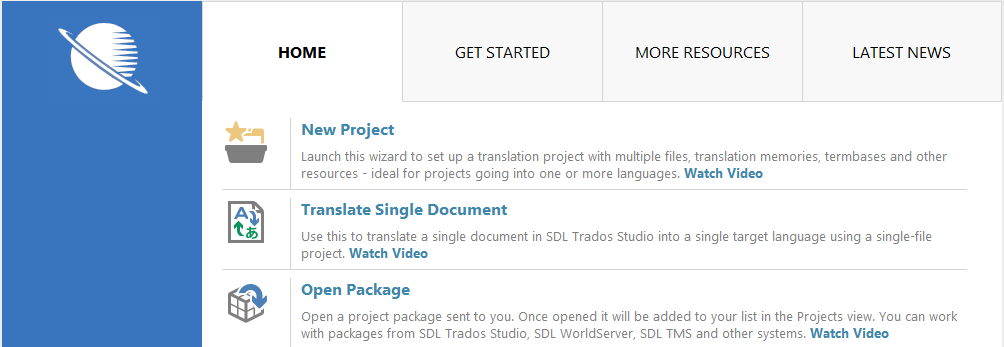
The Welcome view has a central screen with direct access to main SDL Trados Studio functionality, a selection of Help resources to help you get started with Studio, and links to other useful information and news.
Tab |
Description |
HOME |
Here you can get quick access to creating a new project, translating a single document, opening project packages or projects published on SDL Studio GroupShare. You can also access your SDL Language Cloud account information and manage your subscription to Language Cloud machine translation engines. |
GET STARTED |
Here you can find a collection of videos to help you get started with SDL Trados Studio and SDL MultiTerm. You can also find links to the Studio Quick Start guides here. |
MORE RESOURCES |
Here you can find more detailed Help and the link to the SDL AppStore. AppStore is SDL's app store from where you can download apps that extend the functionality of your Studio version. |
LATEST NEWS |
Here you can find the latest SDL news, events, downloads and more. |
Overview: Welcome View Screen Layout and Functionality