

| Setting up the Project |
On this page you will learn how to set up the project for designing our custom TM lookup application in C#.
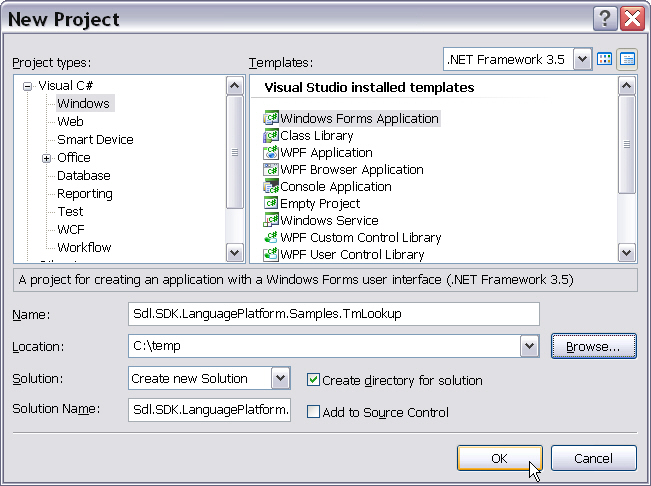
Create a new Windows Forms application in Microsoft Visual Studio 2010 called Sdl.SDK.LanguagePlatform.Samples.TmLookup.
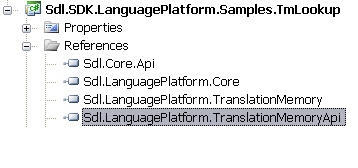
Then add the following references to your project:
- Sdl.Core.Api
- Sdl.LanguagePlatform.TranslationMemory
- Sdl.LanguagePlatform.TranslationMemoryApi
- WindowsBase
 Note Note |
|---|
At the time of writing of this version of the SDK it was required to set the build path folder to the directory that contains the SDL Trados Studio 2017 debug build. |
 See Also
Other Resources
CommunityComments