System Administrator Topic: see MultiTerm Administrator
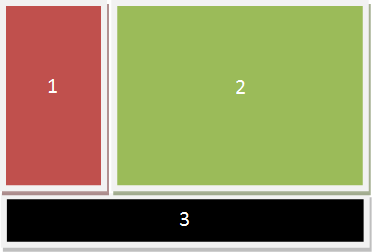
This pane contains the SDL MultiTerm Server tree. The tree has two branches:
User Manager. Use this to administer the user accounts on the server.
The Termbases Tree. Use this to administer the termbases on the server.
This pane displays information about the item that you select in the navigation pane.
This displays the status of the current a process or operation.
About SDL MultiTerm Administrator