QuickPlace is a feature which can be used to speed up how recognized tokens from a source segment are inserted into a target segment in the Editor window in the Editor view. Recognized tokens can include text formatting, tags, numbers, variables and dates.
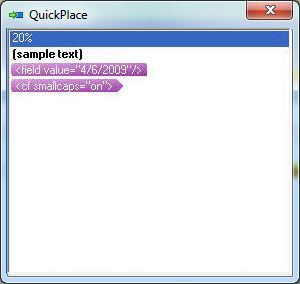
Right-click in any target segment and select QuickPlace from the shortcut menu to display the QuickPlace dialog box where you can select a recognized token.
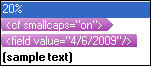
Alternatively, you can display a QuickPlace drop-down list by pressing Ctrl+,(comma).